Product Overview
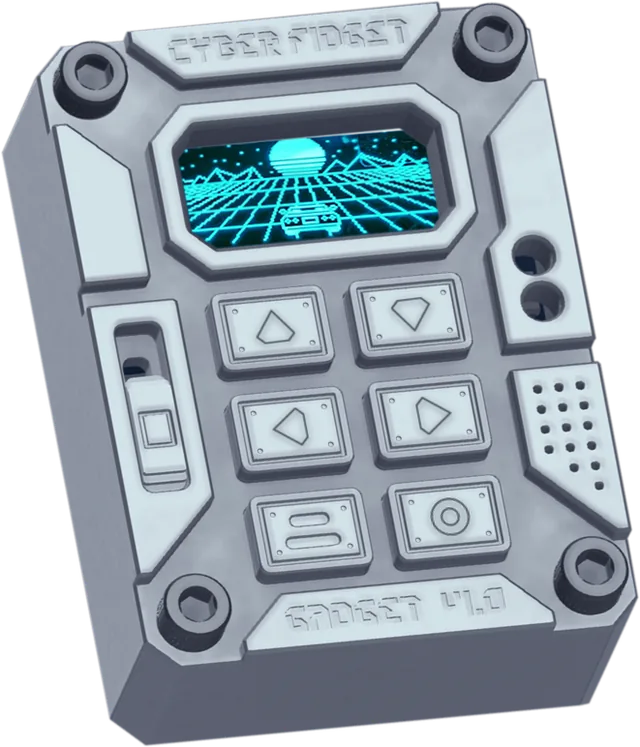
A machined-aluminum, pocket-sized gadget built for play, tinkering, and experimentation. Designed and machined in Michigan.
After this page you will know what Cyber Fidget is, what's inside it, what comes in the kit, and where to go next.
- Pocket-sized
- Screen, buttons and a slider
- Lights and sound
- Wi-Fi + Bluetooth
- Screws together, no soldering
- Open source
What is Cyber Fidget?
Cyber Fidget is two things at once:
-
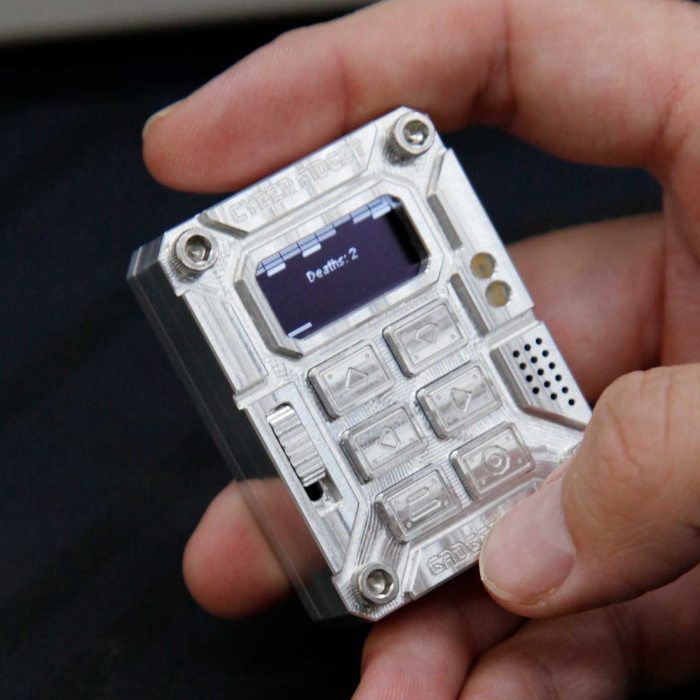
1. An electronic fidget toy
Beyond a spinner or clicker: something with a screen, buttons, LEDs, and sound that's fun to hold and play with.
-
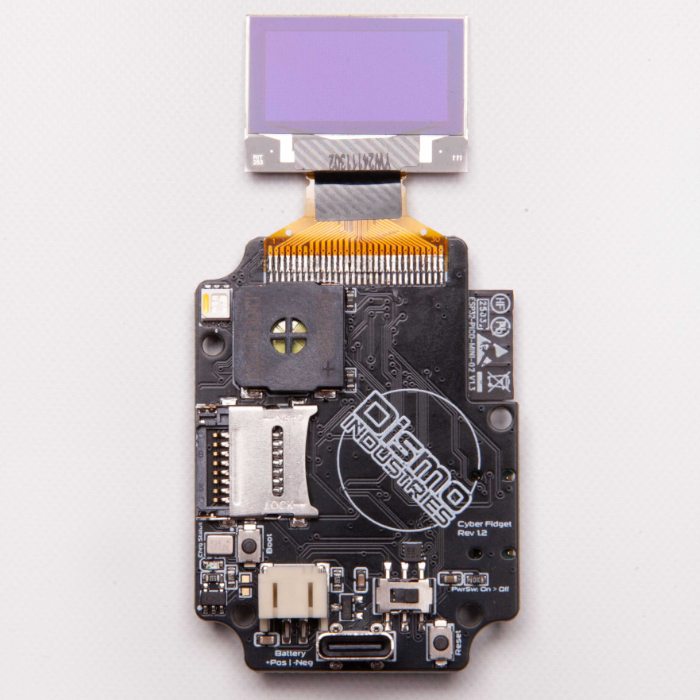
2. An approachable dev board
A development board with everything already included: display, buttons, slider, speaker, mic, accelerometer, LEDs, SD card, Wi-Fi, and Bluetooth.
It's meant to feel good in your hands, be easy to use without knowing how it works, and be fully hackable when you're ready to dig in.
What's inside
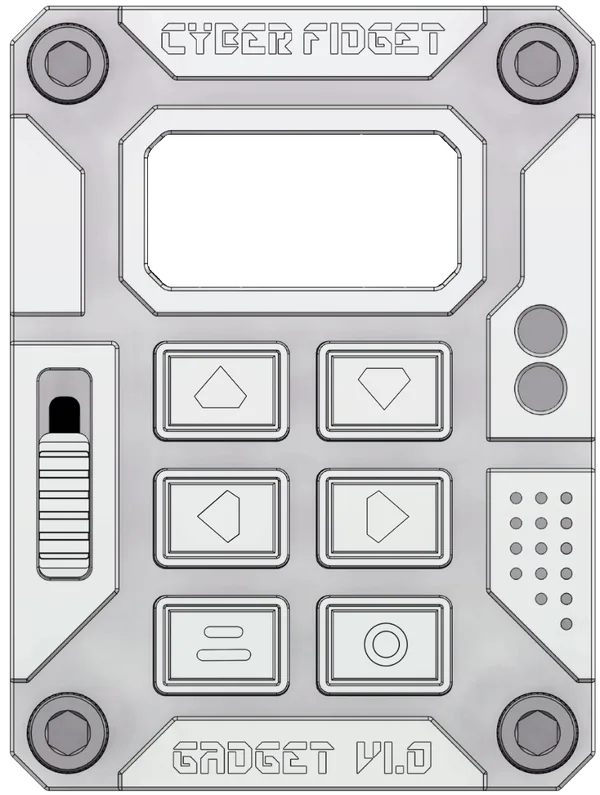
| Size | 2.2 x 1.6 x 0.8 in (55.3 x 41.3 x 19.6 mm) |
| Weight | ~68 g (varies by backplate) |
| MCU | ESP32-PICO-MINI-02 (Wi-Fi + Bluetooth) |
| Display | 0.96" 128x64 monochrome OLED |
| Controls | 6 buttons + analog slider |
| Audio | Speaker + MEMS microphone |
| LEDs | 4x RGBW (3 front, 1 back) |
| Storage | microSD card |
| Power | 400 mAh LiPo, USB-C charging |
| Body | Precision-machined aluminum |
The MCU (microcontroller) is the small computer that runs your apps. For the full component list with part numbers, see Hardware Specs.
What you can do with it
-
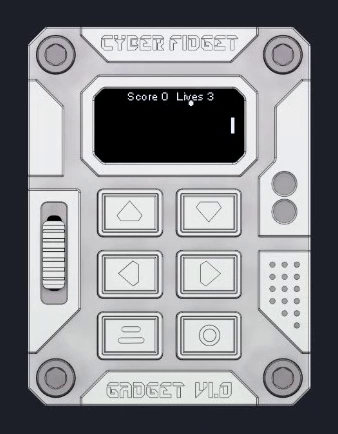
Play
The firmware ships with 29+ built-in apps: games, screensavers, tools, and examples.
-
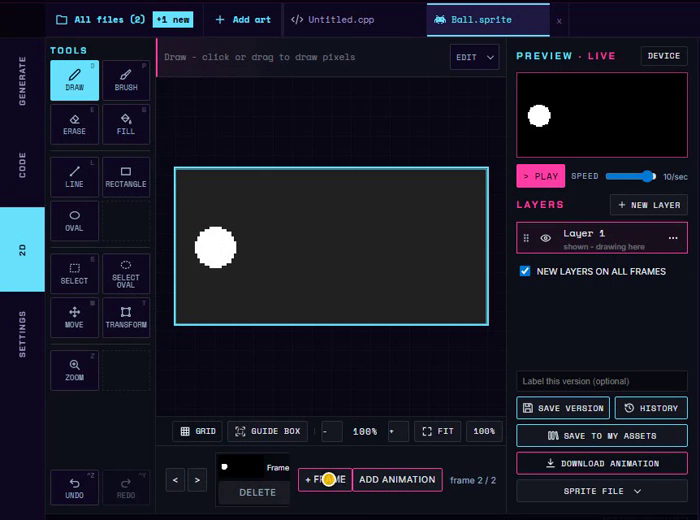
Draw and animate
Draw sprites (small pictures for characters and objects) and animate them in the studio on cyberfidget.com.
-
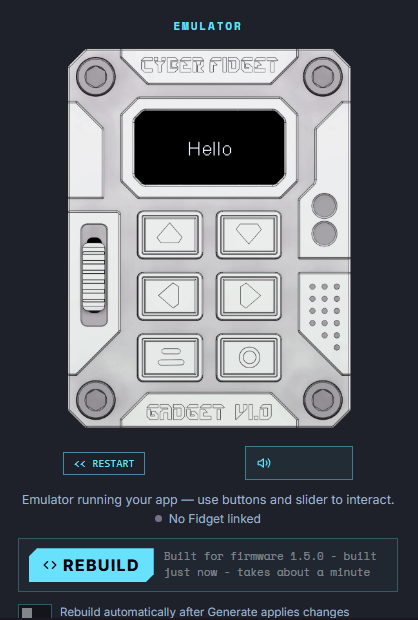
Make your own apps
Write apps in your browser and watch them run in the emulator (an on-screen copy of the device), then install them on your Cyber Fidget.
-
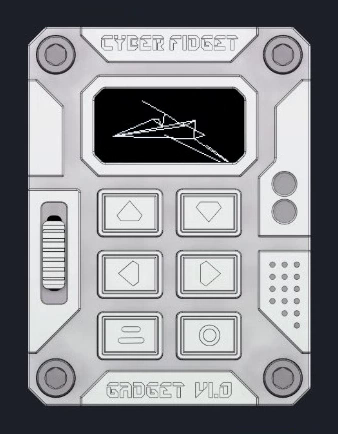
Build 3D models
Build wireframe models from points and lines in the studio, then show them in your apps.
It also records voice notes to the memory card, pairs with your phone through the Phone Companion, and serves a Web Portal you can open in a browser to manage music files.
What's in the kit
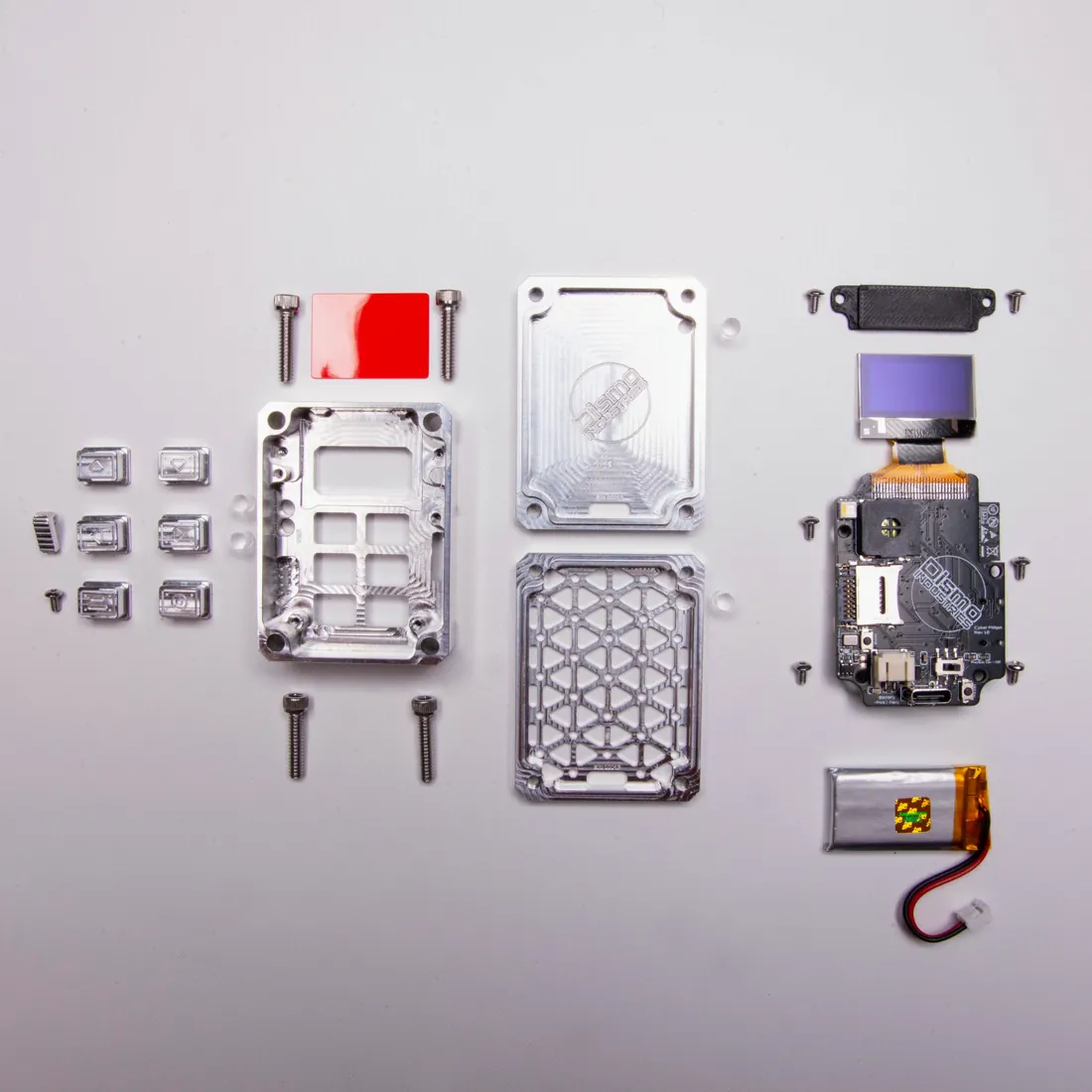
Cyber Fidget primarily ships as a self-assembly kit -- no soldering, just screws. The kit includes:
- Machined aluminum chassis (front and back)
- Assembled PCB with all components pre-soldered
- Buttons, slider, and hardware
- Screws and fasteners
- Interchangeable screen color filters
Assembly takes about 15 minutes. See the Assembly Guide for step-by-step instructions with photos.
Made for tinkerers
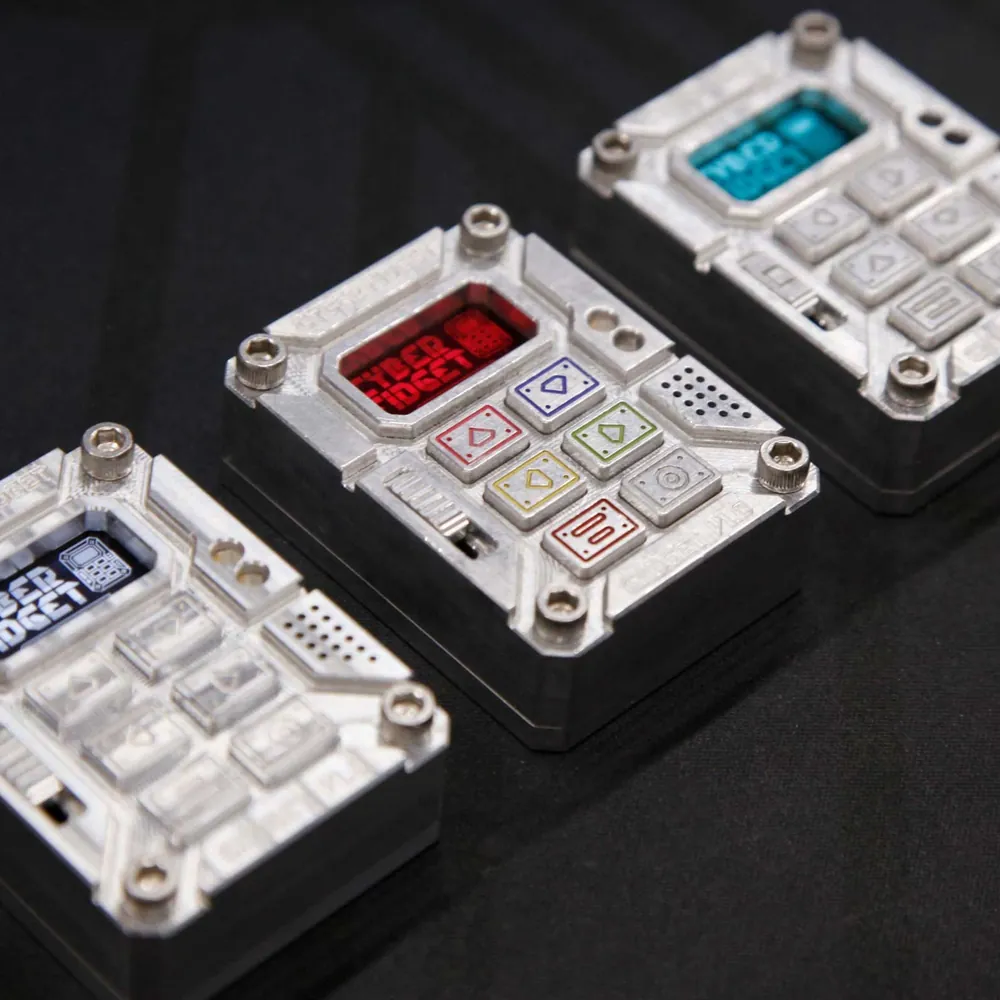
Every screw and part is accessible. The enclosure is built to be opened, explored, and modified:
- Re-color it -- swap screen colors (blue, red, teal, and more)
- Redesign it -- 3D print your own backplate or case modifications
- Hack it -- make your own apps in the studio, or change the firmware source code itself
- Learn from it -- ideal for learning how to code, embedded systems, sensors, and human-machine interfaces
More in Accessories.
Who it's for
-
Players and fidgeters
You don't need to know how it works to enjoy it. Turn it on and pick a game or screensaver from the menu.
-
New coders and game makers
Write apps in your browser with nothing to install, and see them run straight away.
-
Teachers and families
The browser path needs no installs and no device. A teacher guide is in development.
-
Makers and firmware developers
The firmware and these docs are open source, and the hardware is documented down to the pins.
Software
The firmware ships with 29+ built-in apps (games, screensavers, tools, examples). See Apps for the catalog.
Make your own apps in the studio in your browser. Build your first app takes you from a blank template to an app running in the emulator and on your Cyber Fidget. Make a game, step by step builds a paddle game with lights, sound and a score.
Advanced: firmware development
Studio apps do not need this route. To change the firmware or add built-in apps, clone the firmware repo and use VS Code with PlatformIO (via pioarduino), the tools that build and install the firmware. See Firmware development for setup. The hardware is designed to support CircuitPython, but that support is untested.
See also
- Hardware Specs -- Full specifications with part numbers
- Pinout -- GPIO assignments
- Accessories -- Color filters, backplates, and 3D printing
- Assembly Guide -- Build your device
- First Flash -- Flash firmware for the first time
- Open Source -- Repos, licenses, and how to contribute